Accessibility of our Buses
- All of our buses have ramps or lifts.
- All mobility devices—devices with three or more wheels usable indoors, designed or modified for and used by people with mobility impairments, whether operated manually or powered—are welcome aboard.
- Many buses "kneel" to make it easier to reach the first step. Just ask your driver to "kneel" the bus.
- Buses have priority seating for senior citizens and passengers with disabilities.
- Every bus has securement areas for mobility devices.
- An automated announcement system announces every stop.
- A digital sign at the front of each bus tells you when your stop is approaching.
- We transport riders who use portable medical oxygen equipment and respirators. Please bring an attendant if you need help carrying or operating life-support equipment.
- Intercity Transit also provides Dial-A-Lift, a shared ride public transportation service for people with disabilities that prevent them from riding regular buses. Individuals must apply for this service.
Low Floor Buses
All buses have low floors, making it possible to board without climbing steps. The driver can also "kneel" the bus (lower the front door closer to the curb), making it even easier to board.
Ramps
Low floor buses have boarding ramps for people who use mobility devices.
How to Board
- Wait at an accessible bus stop marked with the wheelchair access symbol. You may ask the driver to deploy the ramp.
- Wait at least five feet from the door. You will be the first to board after passengers have exited.
- The driver can help guide you to the mobility device securement area.
- Lock the brakes on your mobility device. The driver will help you with the tie-down straps. We recommend you use the safety belt, too.
- Most buses can accommodate two wheelchairs in their designated securement areas.
- If you wish to use a stop that is not accessible, contact Dena Withrow at 360-357-1569 or a stop evaluation.
How to Get off the Bus
- Once your stop is announced, press the yellow signal strip or pull the cord.
- The driver will remove the securement straps and seatbelt and deploy the ramp for you.
- Never cross in front of the bus—approaching motorists may not see you. Wait until it leaves before crossing the street.
Accessible Formats
Rider News is available in audio format by calling 360-705-5851.
These accessibility aids are available upon request:
- Bus schedules in large print, Braille, and audio tape formats.
- Bus route identifiers in large-print and Braille. Route identifiers are numbers for each of our bus routes in large print and Braille. Just show the appropriate route number as the bus approaches to alert the driver.
To request these materials, contact Customer Service at customerservice@intercitytransit.com or call 360-786-1881.
Reasonable Modifications
Intercity Transit makes reasonable modifications to our policies, practices, and procedures to avoid discrimination and ensure programs and services are accessible to individuals with disabilities. We make every effort to accommodate customers when possible, as long as it does not fundamentally alter the nature of our service, create a direct threat to the health and safety of others, or cause an undue financial burden.
Customers may describe what they need in order to use our service at any time via the following Customer Comment process:
- Complete a Comment Card available on our vehicles.
- Call Customer Service: 360-786-1881 or Email: tellus@intercitytransit.com or customerservice@intercitytransit.com
If a customer requests a reasonable modification during transit, the driver may need to consult with Intercity Transit’s dispatch prior to granting or denying a request.
If you feel that you have been denied a request based on discrimination, please complete our Discrimination Complaint Form.
Interpretation and Translation Services
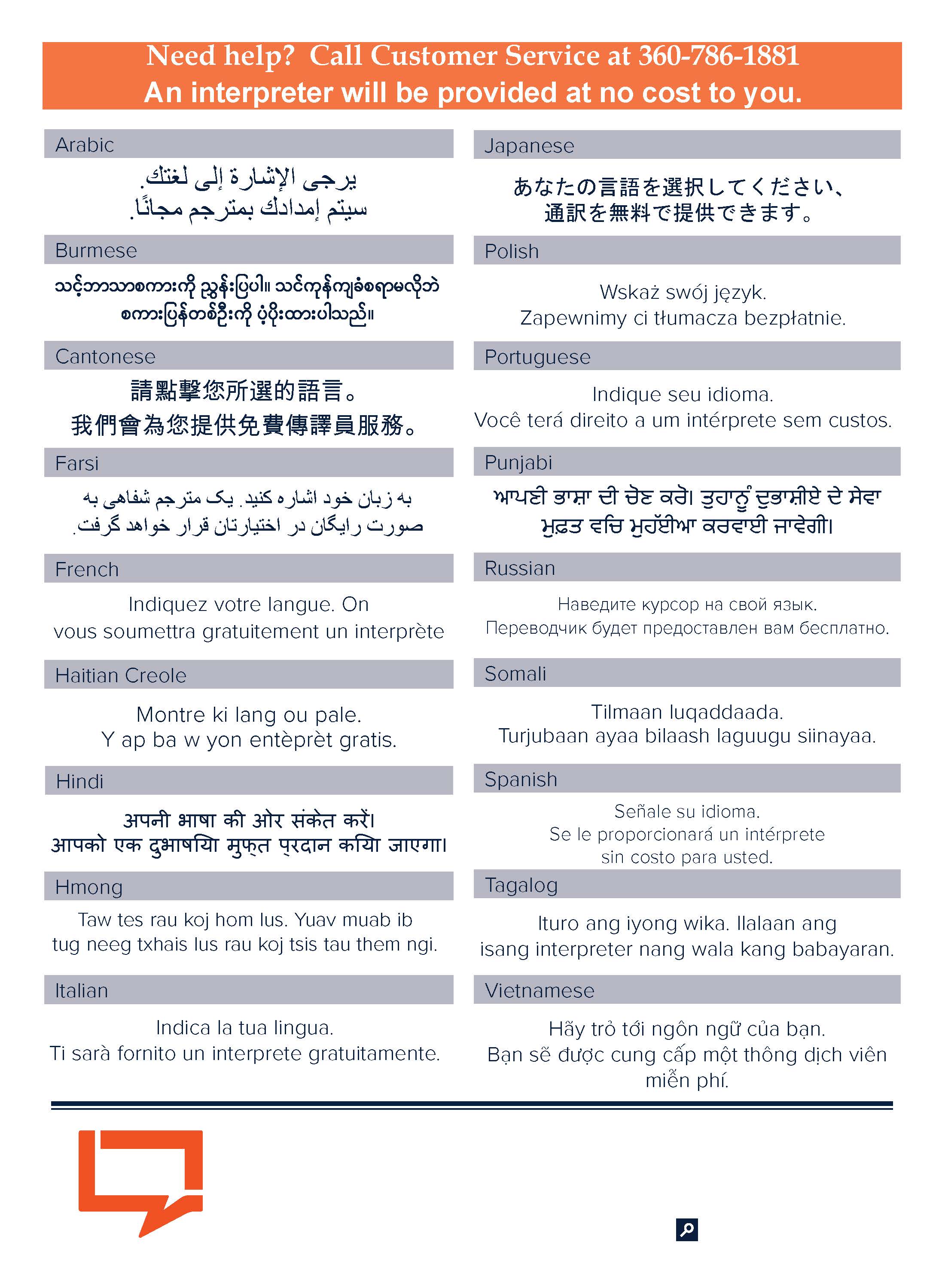
Intercity Transit uses interpretation and translation services through Language Link to meet the diverse communication needs of our customers at no cost to them. If you need assistance in another language, please contact Customer Service at 360-786-1881.